Check the whole workflow
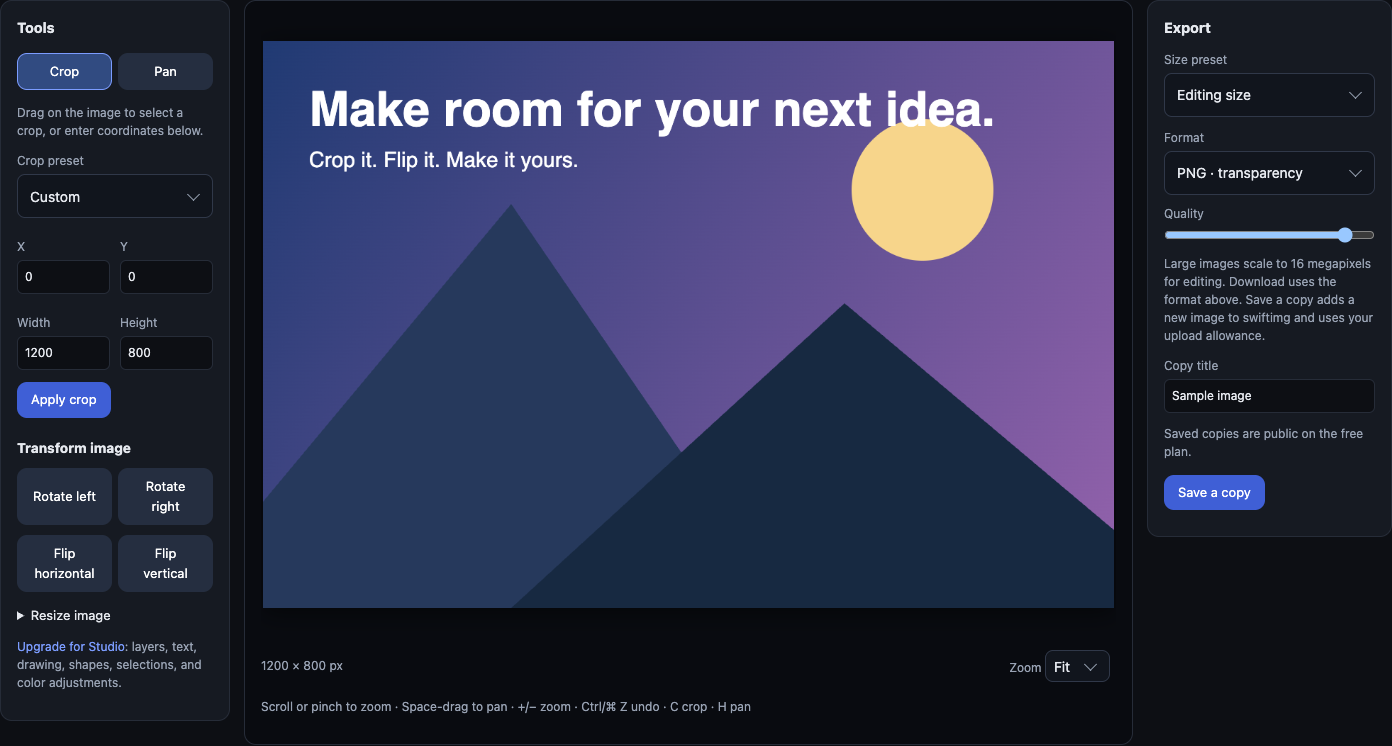
Prepare a sample image in the editor, download it, and upload it with a descriptive title. Copy the returned direct URL instead of copying a placeholder URL from this guide.
Configure your MCP client with an API key for uploads. Ask it to upload an image you own, return the page and direct URLs, and stop before publishing those URLs elsewhere. Check the result and visibility in your account.
Commercial projects require Business. Keep sensitive images private and share an access link instead of a public embed.
Working API example and setup guides →Heads-up
Uploading through the MCP server needs a swiftimg API key, but any account can create one on any plan — the free tier includes 100 uploads a month, enough to try the agent workflow properly. The public GIF search and trending tools need no key at all. The hosted endpoint is the fastest path to connect; the npx package is better when you want a local stdio server or to pin a version.
Step by step
1. Option A — connect by URL (zero install)
Connect a client that supports Streamable HTTP to this URL. For upload tools, configure the connection to send Authorization: Bearer YOUR_API_KEY. If your client cannot set that header, use the local stdio configuration below. Never paste your key into the chat or a URL.
MCP endpoint (Streamable HTTP) https://swiftimg.com/mcp2. Option B — run it locally via npx
For a local stdio server, add @swiftimg/mcp-server to your client config. It launches on demand with npx — no global install. Set SWIFTIMG_API_KEY to a key from your account; uploads require one, and a free account is enough to start.
claude_desktop_config.json / .cursor/mcp.json { "mcpServers": { "swiftimg": { "command": "npx", "args": ["-y", "@swiftimg/mcp-server"], "env": { "SWIFTIMG_API_KEY": "your-key-here" } } } }3. Use it in a conversation
Ask the agent to upload an image you own and return the resulting id, pageUrl and directUrl. With a local stdio server, it can read a local file. A hosted server cannot read files on your computer; use a supported remote image URL or upload through the browser instead. Check the returned link and image visibility before sharing.
Example request — use your own image Upload my sample screenshot to swiftimg. Return the viewer and direct image URLs, then stop so I can check them before sharing.4. Attribute uploads to your account
Create an API key from your account page — free accounts can, and get 100 uploads a month — and set it as SWIFTIMG_API_KEY. Uploads then count against your plan's cap and show up in your library; without a key the upload tool returns 403. Upgrade when you outgrow the free cap, not before.
Connection troubleshooting
- No upload tool: reload the client after changing its configuration and confirm it can list tools.
- 401, 403 or bot check failed: verify the API key in the connection header or local environment. Never include it in a prompt.
- Local file cannot be read: use an absolute file path with the local stdio server. The hosted endpoint accepts a remote URL or supported base64 input, not a path on your laptop.
- No image yet: inspect the upload response and processing status; confirm it in your library before sharing.
Try a direct API upload to distinguish an account problem from a client configuration problem.
AI agents (MCP) — FAQ
What is MCP?
The Model Context Protocol is an open standard for connecting AI assistants to external tools and data. An MCP server exposes tools (like 'upload an image') that the model can call during a conversation.
Which clients work?
Any MCP-aware client — Claude Desktop, Cursor, Continue.dev, and others. The hosted URL works with clients that accept a Streamable HTTP server; the npx package works with stdio clients.
Do the hosted endpoint and the npx package differ?
They expose the same tools. The hosted endpoint needs no install (connect by URL); the npx package runs locally over stdio and lets you pin a version or point at a white-label API base.
Will the uploaded URLs expire?
No — images an agent uploads stay live indefinitely, so a URL pasted into a doc or README keeps working.
Hosting for AI agents (MCP) works on the free plan — see swiftimg pricing and plan limits for what each tier includes, or read the image hosting API documentation to upload from your own code instead of the browser.
Ready to host your AI agents (MCP) images?
Browser uploads and API access are available free. Paid plans add higher limits; Developer and Business include signed transforms and custom domains. Commercial use requires Business.