Studio image editor — layers, text and drawing
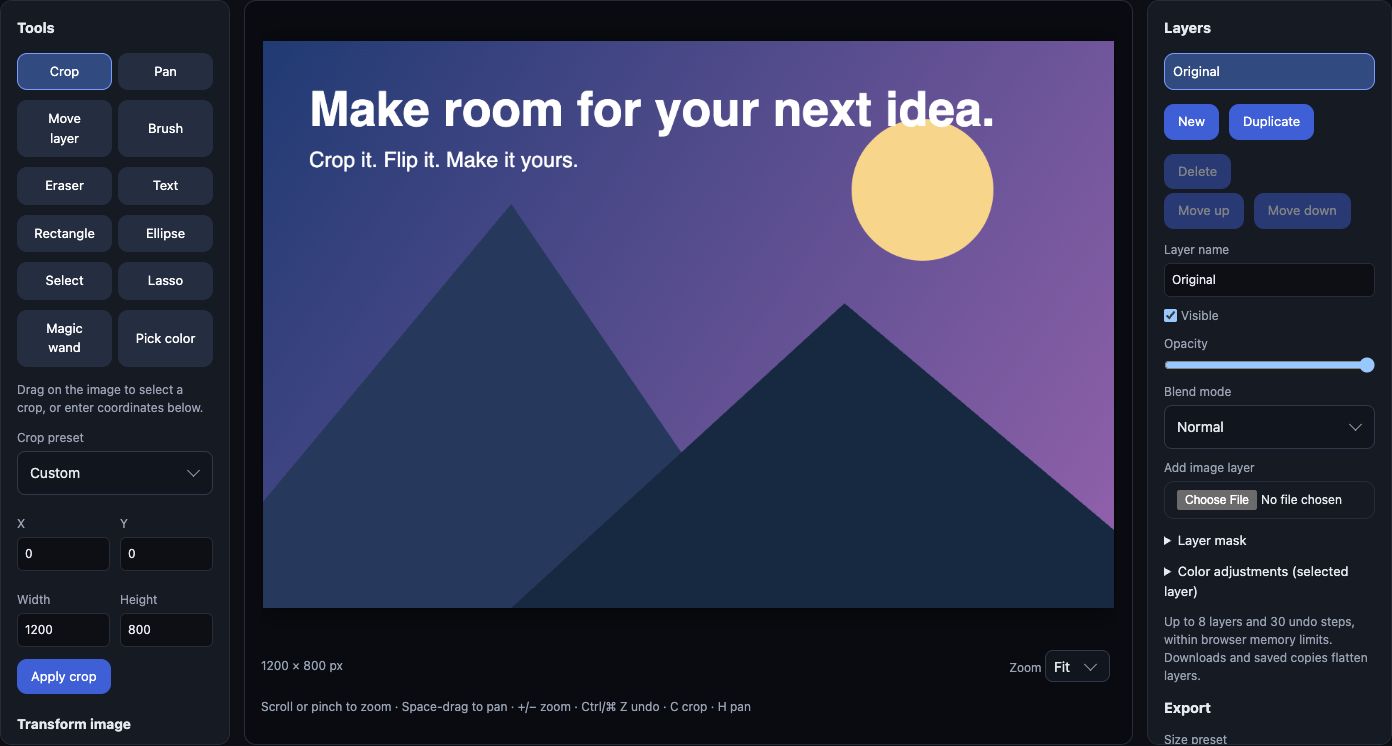
Edit images with layers, masks, text, shapes, selections and color tools in your browser. Studio is included with every paid swiftimg plan.
Try the editing workflow
Open the free editor with a sample image. Paid members see Studio tools when signed in.
Build your composition
Add image layers, type a headline, draw shapes and move objects into place. Change text and shape properties without starting over.
Work on the details
Use a lasso or magic wand to select an area. Feather its edges, adjust its colors, or hide part of a layer with a mask.
Export for the places you share
Download PNG, JPEG or WebP. Add an optional watermark and export web, social and thumbnail sizes together.
Start with Basic. Grow into Studio.
| Tools | Free Basic | Paid Studio |
|---|---|---|
| Crop, resize, rotate, flip, undo and redo | Included | Included |
| PNG, JPEG and WebP downloads | Included | Included |
| Layers, opacity, blend modes and masks | — | Included |
| Editable text, shapes, brush and eraser | — | Included |
| Lasso, magic wand, feathering and color adjustments | — | Included |
| Watermarks and multiple export sizes in a ZIP | — | Included |
| Save a hosted copy | Public | Public or private |
Studio is included with Pro, Developer and Business. Pro starts at $3/month for personal use. Commercial projects require Business at $29/month. Compare plans and limits →
Up to 8 layers and 30 undo steps, within browser memory limits. Images scale to 16 megapixels for editing. Exports flatten layers; animation and PSD projects are not preserved. Download before closing: edits are not autosaved.
One image, from first edit to final link
Edit in your browser
Try a sample, or open a local image. Crop, resize and download for free.
Choose who can see it
Paid plans add private uploads and galleries, with expiring, revocable sharing links.
Fit your workflow
Upload screenshots with ShareX, embed a README image, or connect an AI agent through MCP.