Check the whole workflow
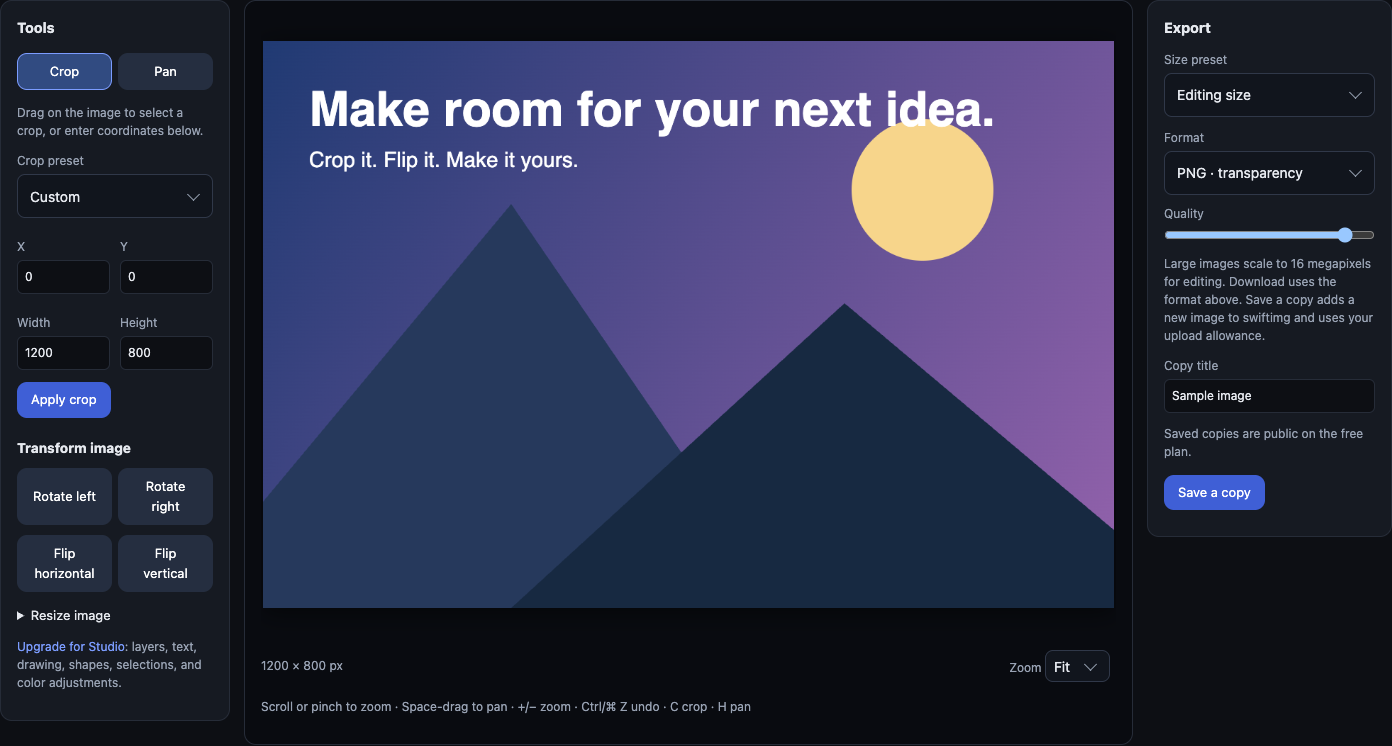
Prepare a sample image in the editor, download it, and upload it with a descriptive title. Copy the returned direct URL instead of copying a placeholder URL from this guide.
Embed the URL with alt text describing the screenshot. Preview the README and open it in a signed-out browser to confirm that public readers can see it.
Commercial projects require Business. Keep sensitive images private and share an access link instead of a public embed.
Working API example and setup guides →Heads-up
Choose visibility based on the image itself, not just the repository. A public image stays publicly accessible even when embedded in a private README. Test embeds while signed out; private images should be shared through an authorized viewer link instead.
Step by step
1. Upload the image
Drop the file at /upload — no account required. You'll get a viewer page, a direct image URL, and a Markdown snippet on the share box.
2. Copy the Markdown snippet
The viewer page has a one-click copy for Markdown, HTML, and BBCode. Paste the Markdown into your README.md.
README.md 3. Resize on the fly (optional)
For a simple README screenshot, resize it in the free browser editor before uploading. Developer and Business also support signed transforms; generate a signed URL using the documented API rather than appending an unsigned query.
4. Animated demos work too
GIFs are accepted as-is and auto-converted to animated WebP for grids. In a README you can embed the original GIF URL or the smaller WebP — both unfurl correctly.
For repository-relative images, HTML sizing and Camo troubleshooting, read the complete README image tutorial.
GitHub README — FAQ
Will the image URL expire?
No. Uploaded images stay live indefinitely — there's no rolling expiry on free uploads. Use a delete token (saved to the share box on upload) if you ever want to remove it.
Can I use it for private repos?
A public image URL remains public in a private repository. For sensitive screenshots, use paid private hosting and share an authorized viewer link; an authenticated private image may not render through a Markdown image proxy.
Does GitHub strip image hotlinks?
GitHub proxies external images through camo.githubusercontent.com for privacy. swiftimg URLs work through that proxy — direct delivery from i.swiftimg.com is fine.
See also
Image hosting for Stack Overflow
Upload screenshots and diagrams to swiftimg and paste a Markdown image link into a Stack Overflow question or answer. Permanent URLs, no account required.
Image hosting for Obsidian
Host attachments on swiftimg and embed them in Obsidian notes with a Markdown image link. Keeps the vault small, makes the notes portable, and works across devices.
Image hosting for Docusaurus
Host Docusaurus screenshots and diagrams on swiftimg. Keeps the docs repo lean, gives you permanent URLs, and adds on-the-fly resize.
swiftimg vs GitHub attachments
Compare swiftimg and GitHub attachments: hosting workflows, editing, costs and migration.
Hosting for GitHub README works on the free plan — see swiftimg pricing and plan limits for what each tier includes, or read the image hosting API documentation to upload from your own code instead of the browser.
Ready to host your GitHub README images?
Browser uploads and API access are available free. Paid plans add higher limits; Developer and Business include signed transforms and custom domains. Commercial use requires Business.