Add an image to a GitHub README with . Choose a repository-relative path for an image committed with your code, or a public direct image URL for an externally hosted screenshot.
Choose where the image belongs
A relative path such as ./docs/screenshot.png keeps the image versioned with the repository. External hosting is useful for larger screenshots and demos you reuse in several places. A public external image remains public even if your repository is private. Keep sensitive files in access-controlled storage; see private sharing.
A working Markdown example
Paste this into a README preview to display our own editor screenshot. For your project, follow the swiftimg screenshot upload workflow and substitute the returned direct URL.
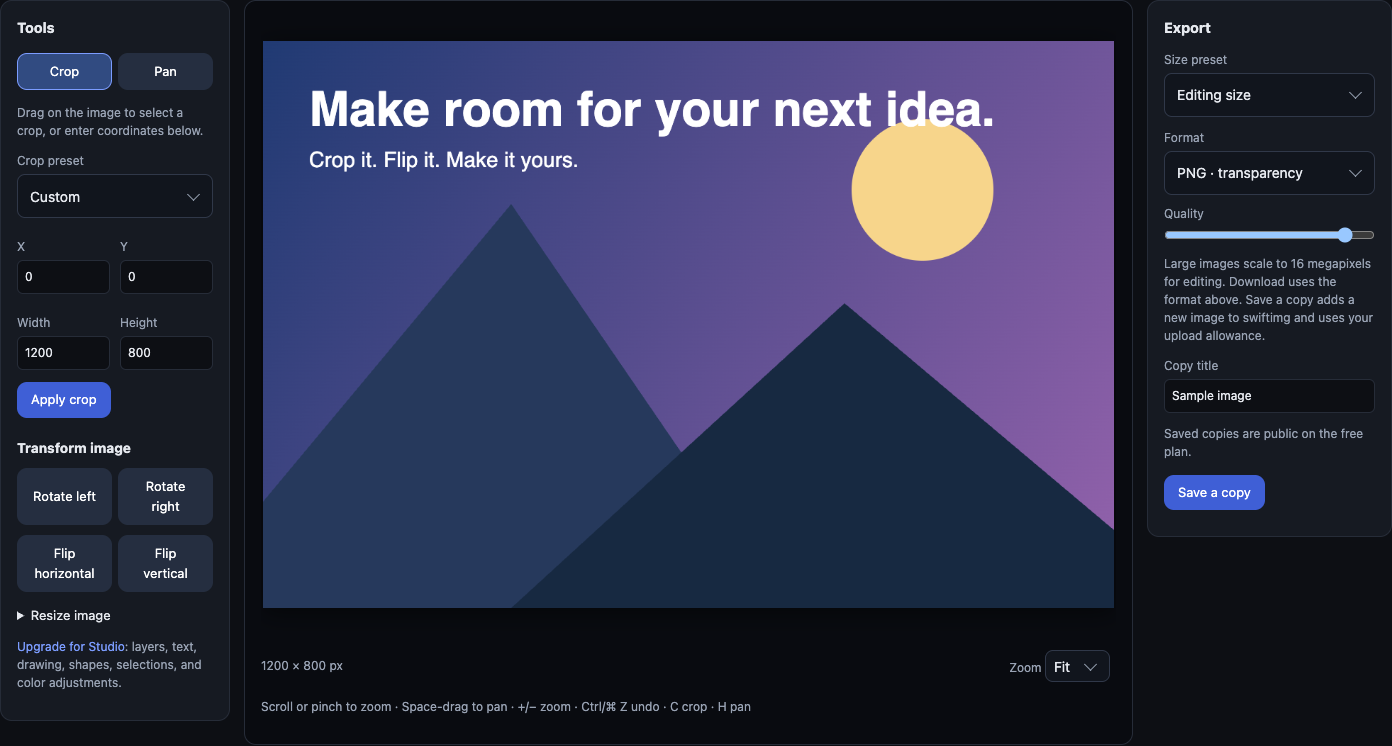
Set a display width or make the image clickable
<a href="https://swiftimg.com/editor">
  <img src="https://swiftimg.com/marketing/basic.png"
       alt="Swiftimg image editor" width="600" />
</a>
The width attribute controls display size; it does not reduce download bytes. Resize and export the image before uploading if the original is larger than you need. Describe what the image shows in its alt text.
Fix a broken README image
- Open the URL while signed out. It must return the image, not a viewer HTML page or login screen.
- Check that the upload finished and remains public. For repository files, check spelling, case, and the relative path from the README.
- GitHub proxies external images through Camo. If the direct URL works but the README does not, check the response content type and GitHub's Camo troubleshooting guidance.
- If you changed an image, copy the new upload's URL. Do not assume overwriting a local file changes an existing immutable URL.
Private repositories and animated demos
Repository privacy does not protect a public external URL. An authenticated image may not render through GitHub's image proxy. For private repository assets, check GitHub's image path guidance and test with the intended reader's access.
For an animated demo, use the returned GIF or supported animated image URL and preview it in GitHub. Keep file size reasonable and include a text explanation for readers who cannot see the animation.
Browser uploads and API keys are available on the free plan. Commercial projects require Business. For repeated uploads, see ShareX setup or the integration guides.