If a Discord attachment link has expired, first open the original message in Discord and download the image while you still have access. Rehosting needs the actual file: an expired URL alone cannot recreate a deleted attachment.
Recover the source image
- Return to the channel or direct message containing the attachment. Open the image there and download it.
- If you cannot access the message, ask its author for the original file. Check your own downloads or backups too.
- If the attachment has been deleted and nobody has a copy, changing the URL or its expiry parameter will not recover the file.
Why the copied URL stopped working
Discord attachment URLs are signed and expire. Discord refreshes them inside its client. Its attachment URL documentation identifies ex as a hexadecimal expiry timestamp and hm as the signature. An old URL embedded on another site does not automatically refresh. Removing those parameters is not a general fix for external embeds.
Replace the broken embed
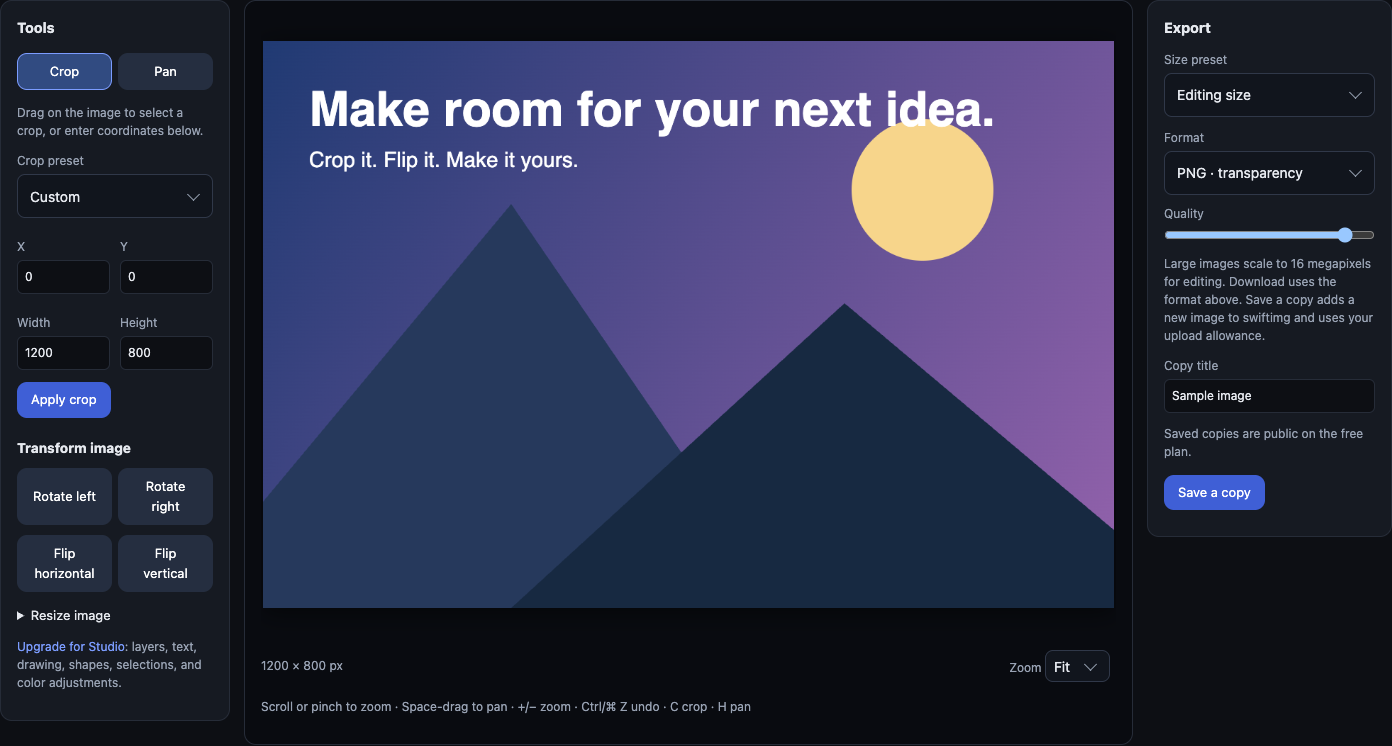
- Inspect the downloaded image for private information. Use the image editor to crop or resize it if needed.
- Upload the file and choose visibility deliberately. Free uploads are public; commercial use requires Business.
- Copy the returned direct image URL for a Markdown image. Copy the viewer URL when you want a page with sharing controls.
- Replace the old URL in your README or website, then open that page while signed out. Confirm the image appears.
Public swiftimg image links do not use Discord's attachment expiry. They depend on the image remaining available and public; deletion, moderation or a visibility change can stop an embed.
Try the replacement format
This working example uses our own editor screenshot. Replace its URL with the direct URL returned for your upload.
The link works, but the preview is missing
Open the direct URL itself. If it fails, check visibility and the copied address first. If it loads, check the destination's preview settings and caching; a working link does not guarantee every client will show an inline preview.
For sensitive images, use private sharing and an authorized viewer link instead of a public embed. For recurring screenshots, follow the ShareX setup guide. See the Discord sharing workflow for direct links and viewer links.